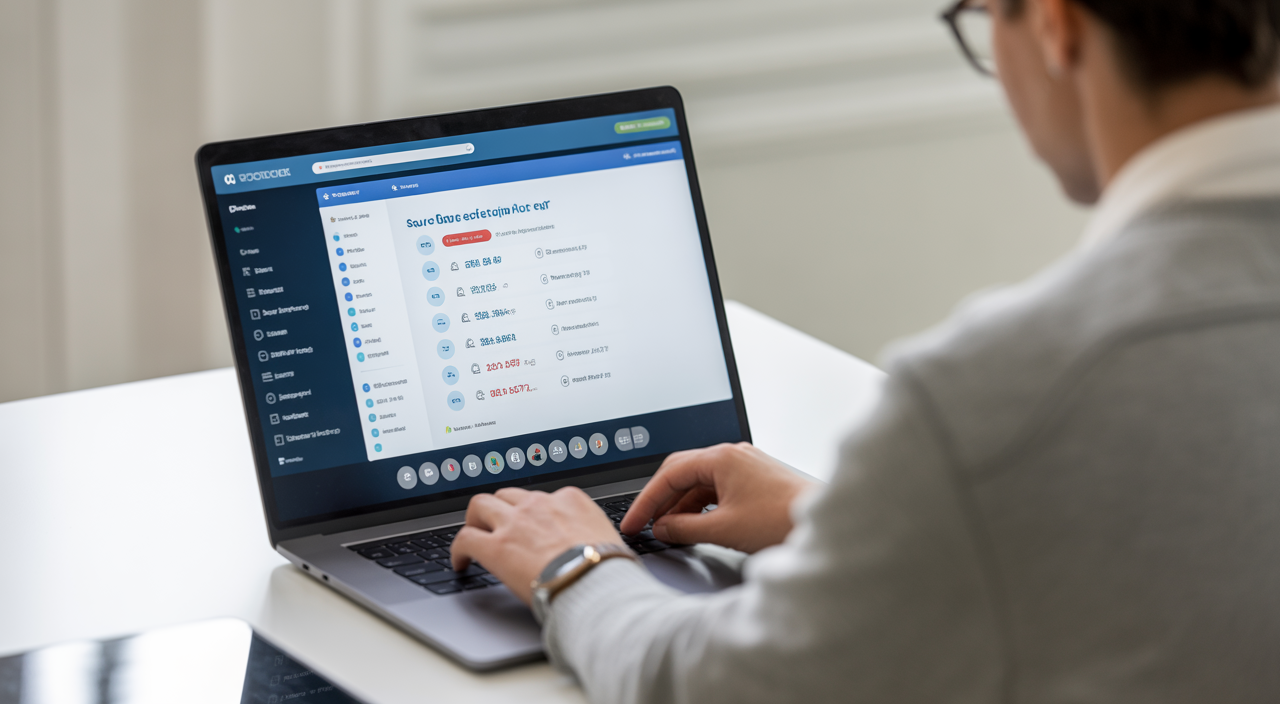
Question: What is online exam software, how does it work, and how do you select the right platform that is secure, cost effective, and easy to use?
In simple terms, online exam software is a web-based system that lets you create, deliver, and grade tests on the internet. Students or candidates log in from their own devices, answer questions, and get results with minimal manual work from your side. A good platform saves time, reduces paper cost, and improves exam security.

If you are ready to explore a practical solution, you can start with our online exam software and see how a secure, scalable system fits into your institution or company.
Why Switch to Online Exam Software?
For schools, universities, training institutes, and corporate teams, exams are a regular part of life. Traditional pen-and-paper tests need printing, invigilators, physical rooms, and manual grading. This consumes time, money, and staff effort.
With a secure exam platform, you can schedule tests anytime, for candidates in any city or country. Results get calculated automatically, which means faster feedback and less stress during busy exam seasons. For Indian investors running edtech ventures or training businesses, this also means a scalable model that can grow without huge real estate costs.
Online test administration also helps you collect structured data. Over time, this data shows who performs well, which topics are hard, and where your teaching or training content needs improvement.
Key Features to Look For
Every web-based examination system looks similar at first glance. The real difference shows up in the details. Here are the core features you should check.
Remote Proctoring Methods
Remote proctoring solutions help preserve exam integrity when candidates write tests from home or office. Basic methods include screen monitoring and browser lockdown so candidates cannot easily open new tabs. More advanced methods add webcam streaming, microphone recording, and identity checks.
Some platforms offer AI proctoring, where algorithms flag suspicious behavior such as multiple faces on screen or looking away too often. You can then review these flags after the exam. For high-stakes tests or certification, this is very useful.
Question Types & Customization
A flexible digital exam tool should support many formats. Multiple choice, true/false, short answer, long answer, match-the-pairs, and numerical questions are common examples. For skill-based roles, you may even need coding questions or file uploads.
Branding also matters. Look for options to use your logo, color theme, and custom instructions so that the experience feels like “your” institution, not a third-party site.
Automated Grading & Analytics
Computer-based assessment works best when grading is automated wherever possible. Objective questions can be auto-scored instantly. This not only reduces manual work but also removes human bias from marking.
Assessment analytics help you go a step further. Good dashboards show score distribution, time spent per question, topic-wise performance, and candidate-level trends. As an investor or administrator, this data helps you prove value to clients and plan better training content.
Security & Compliance
When you conduct exams online, you handle personal data, scores, and sometimes payment details. Look for clear security practices like encrypted connections, role-based access, and detailed audit logs. For global operations, check alignment with privacy rules such as GDPR and relevant local data laws.
Also review how question banks are stored and who can access them. A secure e-assessment platform will have strong internal controls to prevent leaks.
AI Proctoring: A Quick Deep Dive
AI proctoring uses pattern recognition to support human invigilators. It can detect unusual noise, switching windows, or multiple people in front of the camera. Instead of watching hours of live video, your team only reviews the suspicious segments.
At the same time, privacy is important. Inform candidates clearly what is being recorded, how long data is stored, and who can see it. Simple FAQs and consent screens keep trust high and reduce confusion during test day.
Integrations & Easy Setup
Your online exam software should not live alone. It should connect smoothly with your LMS, HRMS, or CRM so that user data flows automatically. This cuts down on repetitive tasks such as creating user accounts in many places.
Look for ready-made connectors and open APIs. A simple, step-by-step setup wizard is important for teams that do not have many technical staff. If you need ideas on choosing digital tools that boost efficiency, this guide on increasing project efficiency with integrated services is a useful mindset reference.
Pricing, ROI & Simple Estimator
Most platforms price per candidate, per test, or per month. To estimate return on investment, compare this with what you currently spend on printing, logistics, hall bookings, travel, and staff overtime. Add the value of faster results and better analytics.
A simple way to plan is:
- Estimate total tests per year and candidates per test.
- Check the platform’s rate card for that volume.
- Add a small buffer for growth over the next 2–3 years.
Even a basic calculation will show how a stable internet-based testing system can lower your long-term costs and open new revenue lines such as online certification for remote learners.
Case Study Snapshots
University example: A mid-size campus shifted semester exams to an online test software solution for 5,000 students. Printing and venue costs dropped by nearly 40%, while result processing time reduced from three weeks to five days.
Corporate example: A training firm used a secure exam platform to certify sales teams across multiple cities. Travel and accommodation for centralized tests were cut, and the firm could run monthly assessments instead of quarterly ones.
Best Practices for Student Engagement & Communication
Even the best system fails if candidates feel confused. Share clear guides, short videos, and practice tests before the real exam. Keep language simple and provide helpline contact details.
WhatsApp Campaign Dos & Don’ts
WhatsApp is a powerful channel to remind candidates about exam dates or share login instructions. Keep messages short, personalized, and sent from a generic or official sender ID connected to your institution or brand. Do not overload users with daily promotions.
Also, avoid linking any personal or sensitive email IDs to your WhatsApp campaigns to reduce the risk of spam filters or account restrictions. Treat WhatsApp like a professional notice board, not a bulk advertising tool.
How Indian Investors Can Think About This Space
For Indian investors, online exam tools are part of a broader digital education and training trend. Demand comes from schools, test-prep institutes, corporate L&D, and professional bodies. When reviewing opportunities, focus on recurring revenue models, strong data security, and a clear path to scale outside one region.
It also helps to see how the product fits inside a wider digital ecosystem, similar to how an integrated tech stack supports growth in areas like cybersecurity services for small businesses.
Frequently Asked Questions
Q1. Is online exam software secure enough for high-stakes tests?
Yes, provided you choose a platform with strong encryption, robust remote invigilation, and clear access controls. Combine AI proctoring with human review for critical exams, and always communicate rules and monitoring policies clearly to candidates.
Q2. Do candidates need high-end devices or very fast internet?
Most modern platforms work on standard laptops or smartphones with a stable broadband or mobile data connection. For remote or low-bandwidth areas, choose systems that auto-save answers, compress video, and allow simple practice tests so candidates can check their setup in advance.
Q3. How difficult is it for staff to learn a new web-based examination system?
Good solutions are designed for non-technical users. With basic training sessions, clear admin dashboards, and sample templates, most academic and HR teams become comfortable within a few exam cycles.
Q4. Can I run both objective and subjective exams on the same platform?
Yes. A flexible online test software will let you create mixed-format exams with both auto-graded questions and manually graded responses. This is ideal when you want the speed of automation plus the depth of written answers or case studies.
When you are ready to modernize your assessment strategy, start small with one course or team. Measure the savings, collect feedback, and then expand usage step by step. With the right online exam software in place, you build a future-ready testing system that is secure, scalable, and friendly for both administrators and candidates.