
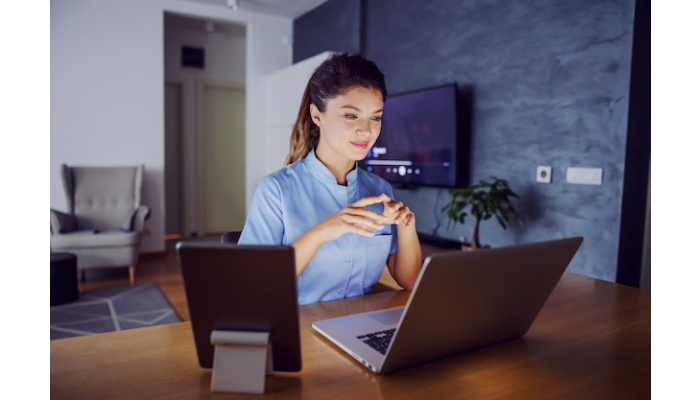
The world of education has transformed dramatically over the past few years, with remote learning becoming a cornerstone for students and institutions alike. As more academic assessments shift to online platforms, remote proctoring tests have emerged as a solution to ensure integrity in this new landscape. But while these technological advancements offer flexibility and accessibility, they also come with their own set of challenges. Many test-takers find themselves grappling with unexpected hurdles that can impact their performance. Understanding how to navigate these common pitfalls is crucial for anyone looking to succeed in a remote proctoring environment. Let’s explore the most frequent mistakes made during these tests and discover effective strategies to avoid them!
The Rise Of Online Learning And Remote Proctoring
The landscape of education has changed dramatically in recent years. Online learning is no longer a niche option but a mainstream choice for students worldwide. This shift was accelerated by the need for flexibility and accessibility, allowing learners from diverse backgrounds to pursue their studies.
As online courses gained popularity, so did the necessity for secure assessment methods. Remote proctoring emerged as an effective solution, ensuring academic integrity while maintaining convenience.
This technology allows instructors to monitor exams from afar using webcams and advanced software. It creates a controlled environment that mirrors traditional testing conditions without requiring physical presence.
Students appreciate the ability to take assessments from their own space; however, this adaptation comes with its challenges. Understanding how remote proctoring works is vital in navigating this new educational terrain successfully.
Common Mistakes In Remote Proctoring Tests
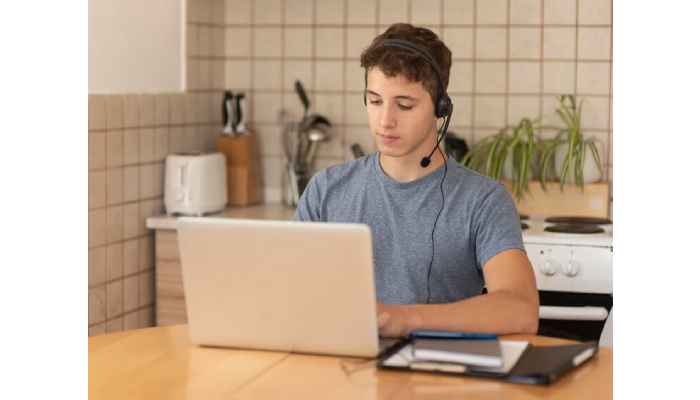
Remote proctoring tests can be a source of anxiety for many students. Understanding common pitfalls is essential to navigate this new landscape successfully.
Technical difficulties often top the list. Many candidates face issues like poor internet connectivity or malfunctioning devices right when they need them most. Such problems can lead to unnecessary stress and even failure.
Another frequent mistake is a lack of preparation. Some underestimate the importance of reviewing guidelines and requirements specific to their remote proctoring test. Knowing what to expect makes all the difference.
Cheating attempts are also prevalent, as some may think they can outsmart the system. However, sophisticated monitoring tools make it increasingly difficult to bypass regulations without repercussions.
Awareness of these mistakes helps in formulating strategies that will enhance your testing experience dramatically.
Technical Difficulties
Technical difficulties can be a major hurdle during remote proctoring tests. Students often face issues like unstable internet connections, software glitches, or hardware incompatibilities. These problems can disrupt the flow of an exam and lead to unnecessary stress.
Imagine logging in just to find that your webcam isn’t working or that your browser isn’t compatible with the testing platform. Such scenarios are not only frustrating but could also jeopardize your performance.
To mitigate these risks, it’s crucial to check all technical aspects ahead of time. Ensure your device meets the required specifications. Run updates on both software and operating systems before test day to avoid compatibility issues.
Don’t forget about internet speed either. A slow connection can cause lag or disconnections during critical moments of the exam, making it essential to perform a speed test prior to starting. Being proactive is key when it comes to navigating potential technical challenges in remote proctoring tests.
Lack Of Preparation
Lack of preparation is a common pitfall for many taking remote proctoring tests. With the flexibility of online testing, it’s easy to underestimate the importance of being ready.
Many students think they can wing it. However, this mindset often leads to unnecessary stress and poor performance. Familiarity with test guidelines and requirements is crucial.
Not reviewing study materials or practice exams can put you at a disadvantage. When faced with unexpected questions or formats, panic might set in quickly.
It’s also essential to understand the technical aspects involved in remote proctoring. Not knowing how to navigate the software or troubleshoot issues can lead to wasted time during an already high-pressure situation.
Taking these steps seriously will enhance your confidence on test day and help ensure that you’re not scrambling at the last minute when it matters most.
Cheating Attempts
Cheating attempts during remote proctoring tests pose a significant challenge for both students and educators. With the rise of online learning, some individuals may feel tempted to bypass rules in pursuit of better grades.
Remote settings provide unique opportunities for dishonest behavior. Students might use unauthorized resources or collaborate with others without supervision. This undermines the integrity of assessments meant to gauge knowledge and skills accurately.
Proctors are trained to recognize these behaviors through monitoring software and live surveillance. However, it’s essential for test-takers to understand that cheating can lead to severe consequences, including failing grades or expulsion from programs.
Maintaining honesty not only upholds academic standards but also fosters personal growth. Embracing the true spirit of education means engaging fully with the material rather than seeking shortcuts that could jeopardize future opportunities.
Tips For Avoiding Mistakes
Testing your equipment beforehand is crucial. Ensure your computer, webcam, and microphone are functioning correctly. A quick check can save you from unexpected issues during the remote proctoring test.
Familiarizing yourself with the testing platform can also make a significant difference. Take time to navigate through its features and settings. Understanding how to submit answers or access materials will reduce anxiety on test day.
Creating a quiet and distraction-free environment is essential for focus. Find a space where interruptions are minimal. Inform those around you about your testing schedule so they respect your concentration.
Consider having backup options ready—such as an alternative device or internet connection—to avoid last-minute surprises that could disrupt your performance during the exam.
Test Your Equipment Beforehand
Before starting your remote proctoring test, it’s crucial to ensure that all your equipment is functioning properly. This step can significantly reduce anxiety and potential technical issues during the exam.
Begin by checking your computer or laptop. Ensure that it meets the platform’s requirements. Update any necessary software beforehand. Outdated applications can lead to unexpected glitches.
Next, test your internet connection. A stable connection is vital for uninterrupted access during the exam. Consider using a wired connection if possible, as this often provides better stability than Wi-Fi.
Don’t forget about peripherals like webcams and microphones. Test them in advance to confirm they’re working correctly and are positioned well for monitoring purposes.
Familiarize yourself with how to troubleshoot common issues quickly—like reconnecting to Wi-Fi or adjusting audio settings—to avoid unnecessary stress on test day.
Familiarize Yourself With The Platform
Understanding the remote proctoring platform is crucial for a smooth testing experience. Each system has its unique interface and features. Take time to explore these before your exam day.
Start by logging into the platform early. Familiarize yourself with how to navigate through it, from accessing test materials to submitting answers. This will help reduce anxiety on test day.
Check for any tutorials or guides provided by the institution. These resources often highlight essential functions and troubleshooting tips that can be lifesavers during the actual test.
Don’t hesitate to practice using sample tests if available. This hands-on approach gives you confidence and ensures you’re comfortable when it’s time to shine.
As technology continues evolving, so do platforms used in remote proctoring tests. Staying updated will empower you to adapt quickly should changes occur right before your exam.
Create A Quiet And Distraction-Free Environment
Creating a quiet and distraction-free environment is crucial for success in a remote proctoring test. Noise can easily disrupt your concentration, leading to mistakes.
Choose a space where interruptions are minimized. This could be a dedicated room or even a secluded corner of your home. Inform others that you will be testing, ensuring they respect your study time.
Consider the background noise as well. Silence any buzzing devices or alarms. Close windows to block outside sounds like traffic or lawnmowers.
Lighting also plays an essential role; make sure your workspace is well-lit but not glaringly bright. A comfortable chair and desk setup can further enhance focus.
Keep personal items out of sight—these can serve as distractions when you’re trying to concentrate on the task at hand. Prioritizing this environment sets you up for better performance during the remote proctoring test.
The Importance
Remote proctoring tests play a crucial role in maintaining academic integrity. As online learning continues to flourish, the need for reliable assessment methods becomes even more apparent.
These tests not only ensure that students demonstrate genuine knowledge, but they also uphold the value of certifications and degrees. Institutions rely on remote proctoring to verify that assessments reflect true student performance.
Moreover, the importance extends beyond academics. Employers increasingly seek candidates with proven skills and qualifications. Remote proctoring provides assurance that applicants have achieved their credentials honestly.
In a world where digital interactions are commonplace, establishing trust is vital. Remote proctoring helps preserve this trust between educators and learners while fostering confidence in the evaluation process.
Conclusion
Remote proctoring tests have become essential in the modern educational landscape. As online learning continues to expand, understanding how to navigate these assessments is crucial for success. By being aware of common mistakes and taking proactive steps to avoid them, test-takers can enhance their performance and ensure a smooth testing experience.
The importance of preparation cannot be overstated. Technical difficulties can disrupt your focus, while a lack of familiarity with the testing platform may lead to unnecessary stress. Additionally, attempts at cheating not only jeopardize one’s integrity but also risk disqualification from future tests.
By testing your equipment ahead of time, familiarizing yourself with the remote proctoring system, and creating an ideal environment for concentration, you set yourself up for success. Embracing these strategies will help alleviate anxiety and allow you to approach your remote proctoring test confidently.
Resource URL: