

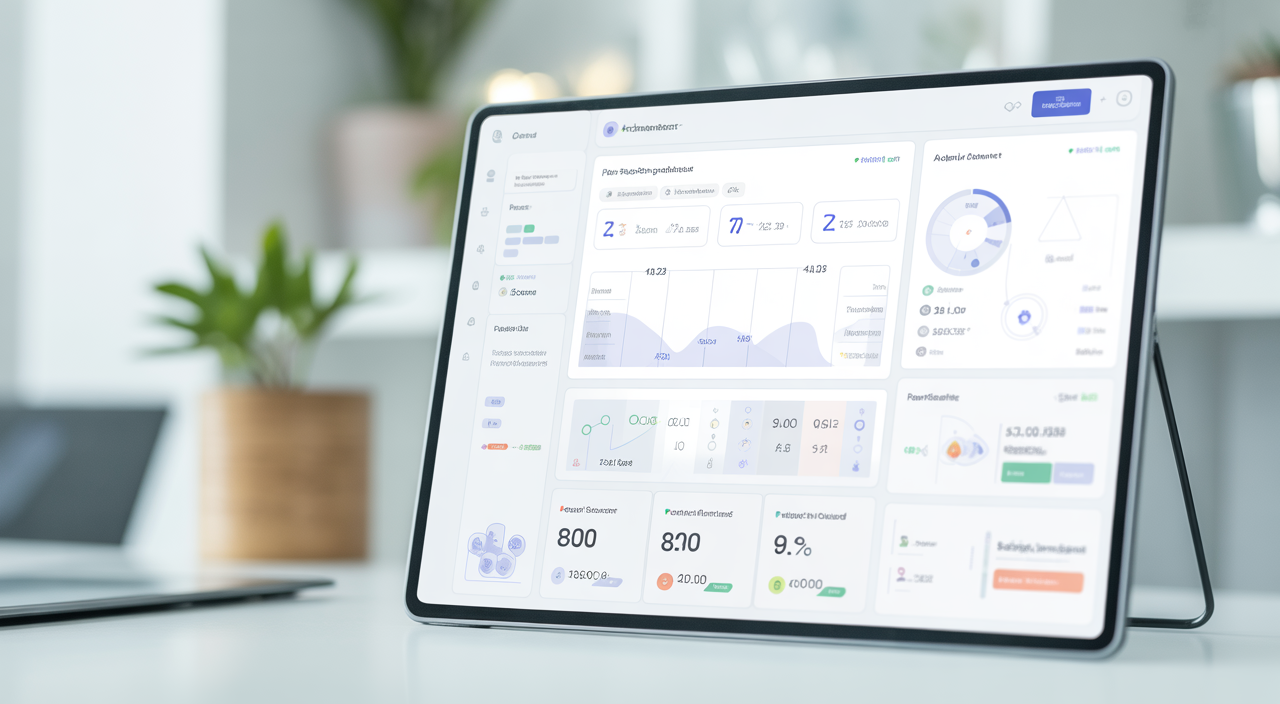
Many architecture firms feel stuck in the same loop: great design, but messy operations. Files live in different places, billing is manual, and no one is fully sure who is working on what. This is exactly the problem that modern architectural practice management tools are built to solve.
These tools are all-in-one software platforms that help you run the “business side” of your practice. They cover project planning, timesheets, billing, team scheduling, and even connect with your design software. Used well, they turn a busy studio into a smooth, data-driven business.
For Indian investors and practice owners, choosing the right system is also a smart financial decision. The right software not only saves hours each week, it supports better margins, cleaner cash flow, and more predictable growth.
Why your architecture practice needs a management tool
Most firms start with spreadsheets and messaging apps. This works for a two-person team, but quickly becomes stressful as you add more staff and projects. Information gets scattered, and leaders lose visibility.
Architectural practice management tools put everything in one place. You can see live project status, who is overbooked, and which jobs are profitable. This helps you make decisions faster and with more confidence.
Firms that adopt structured software early often avoid common growing pains. They build standard workflows, predictable invoicing cycles, and consistent documentation, which also impresses clients and investors.
Core features to look for
When you compare practice management software for architects, focus on a few key areas. These decide whether the tool will really work for your team and your numbers.
Project and resource planning
Your system should let you plan stages, assign tasks, and estimate hours. A visual timeline or “Gantt” style view makes it easy to see overlaps and bottlenecks. Look for drag-and-drop scheduling so you can adjust quickly when clients change their minds.
Good tools also show utilisation. This means you can see if a team member is booked at 50% or 110%. That visibility prevents burnout and helps you know when it is time to hire or outsource.
Financial management and billing
Strong architectural office software links time entries to fees and invoices. Your team logs hours by project and phase, then the system turns that into draft bills. This reduces missed billable time and keeps cash flowing.
For Indian investors, watch how the tool handles multi-currency, tax rules, and local compliance. If you work with overseas clients or consultants, clear currency handling and simple reports for your accountant are very helpful.
Document, CAD, and BIM integration
Design firm management works best when your project data and design models speak to each other. Look for integrations with your main CAD and BIM tools. At minimum, you should be able to link project folders, drawings, and key documents to each job record.
Some advanced systems offer BIM collaboration features. These keep a link between model versions, issues, and project tasks. This is useful on complex, high-value developments where coordination mistakes can be costly.
Client communication and portals
Many architecture practice software solutions now include client portals. These are simple web spaces where your clients can see updates, approve milestones, and share feedback. It keeps communication structured instead of spread across email threads.
Clear, transparent communication is a trust signal. For investors funding multiple projects, this level of order and documentation shows that the practice is mature and well managed.
Material specification and product library integration
A big opportunity that many firms miss is tying practice management to product and material choices. When your project system connects to a product library, it becomes easier to standardise finishes, control costs, and compare options.
Platforms that connect smoothly to rich product databases, similar in spirit to code-focused specification and compliance resources, help teams work faster. Instead of hunting through PDFs, project teams can pull reliable data directly into schedules and reports.
How to shortlist the right tool for your firm
Before looking at demos, create a simple checklist. Note your firm size, typical project value, and current tech stack. Then rank what matters most: billing accuracy, resource visibility, BIM integration, or material control.
Next, check pricing models. Some tools charge per user, others per project or per month at a flat rate. For Indian practices, converting costs into rupees and estimating payback period in months makes comparisons clearer.
Do a quick ROI test. If software saves just 10 hours per week across your team, multiply those hours by your average hourly cost. In many firms, the saving covers the subscription by a wide margin.
Adoption, training, and culture
No tool works if the team does not use it. Choose a system with clean design and a simple interface. Short training videos, guided setups, and good support are all signs you will see fast adoption.
Start with a pilot group on one or two projects. Refine workflows, create templates for stages and invoices, then roll out to the whole firm. When senior architects and partners use the tool themselves, juniors follow happily.
What kind of results can you expect?
Across global AEC firms, structured management platforms have shown steady, measurable benefits. Common gains include lower write-offs on time, faster invoicing cycles, and more accurate forecasting of fees and cash.
For example, a five-person studio that moves away from manual timesheets can free up 10 to 15 hours per week. Those hours can shift to design, business development, or quality reviews, all of which support higher revenue and fewer defects.
On the investor side, this level of control reduces project risk. Data is accessible, progress is visible, and financial performance can be tracked in real time. That makes it easier to scale from one successful development to a portfolio.
Linking practice management to the wider design-build process
Software is even more powerful when it matches your end-to-end delivery model. If your firm works in a design-build or turnkey structure, your management system should reflect that full journey, from concept to completion.
Resources on integrated delivery, such as detailed guides on using design-build services to boost efficiency, show how tight coordination between design, procurement, and construction cuts waste. Your practice tool should support that same flow with shared data and standard processes.
FAQs about architectural practice management tools
Q1. How long does it usually take to implement a new practice management tool?
For a small firm of 5 to 10 people, basic setup can be done in one to two weeks. This includes creating projects, importing clients, and training the team. More complex setups with custom workflows, integrations, and historical data may take four to eight weeks.
Q2. Do these tools work with BIM and CAD platforms used by architects?
Most modern systems offer at least simple integrations, such as linking project folders or syncing documents. Some also connect more deeply to BIM collaboration tools, so issues and tasks tie directly to model elements. When you compare options, always check the list of supported integrations and ask to see them in a live demo.
Q3. Are practice management tools suitable for very small or new architecture firms?
Yes. In fact, starting with structured systems from day one can be a major advantage. Many vendors offer entry-level plans that are affordable for young practices and still provide solid project tracking, time logging, and invoicing features.
Q4. What is the best way for Indian investors to evaluate these tools?
Focus on clear financial reporting, local tax handling, and the ability to support cross-border projects. Ask vendors for sample dashboards and export formats your finance team understands. A short trial with one live project provides the best real-world test of fit and value.